
You're almost there!
Your download will begin automatically. If it didn't start, use the button below.
Download OmniForge manuallyMinimum system requirements
Windows
- Windows 11 · 64-bit
- Dedicated GPU recommended
macOS
- macOS 14+
- Macs with M-series chips
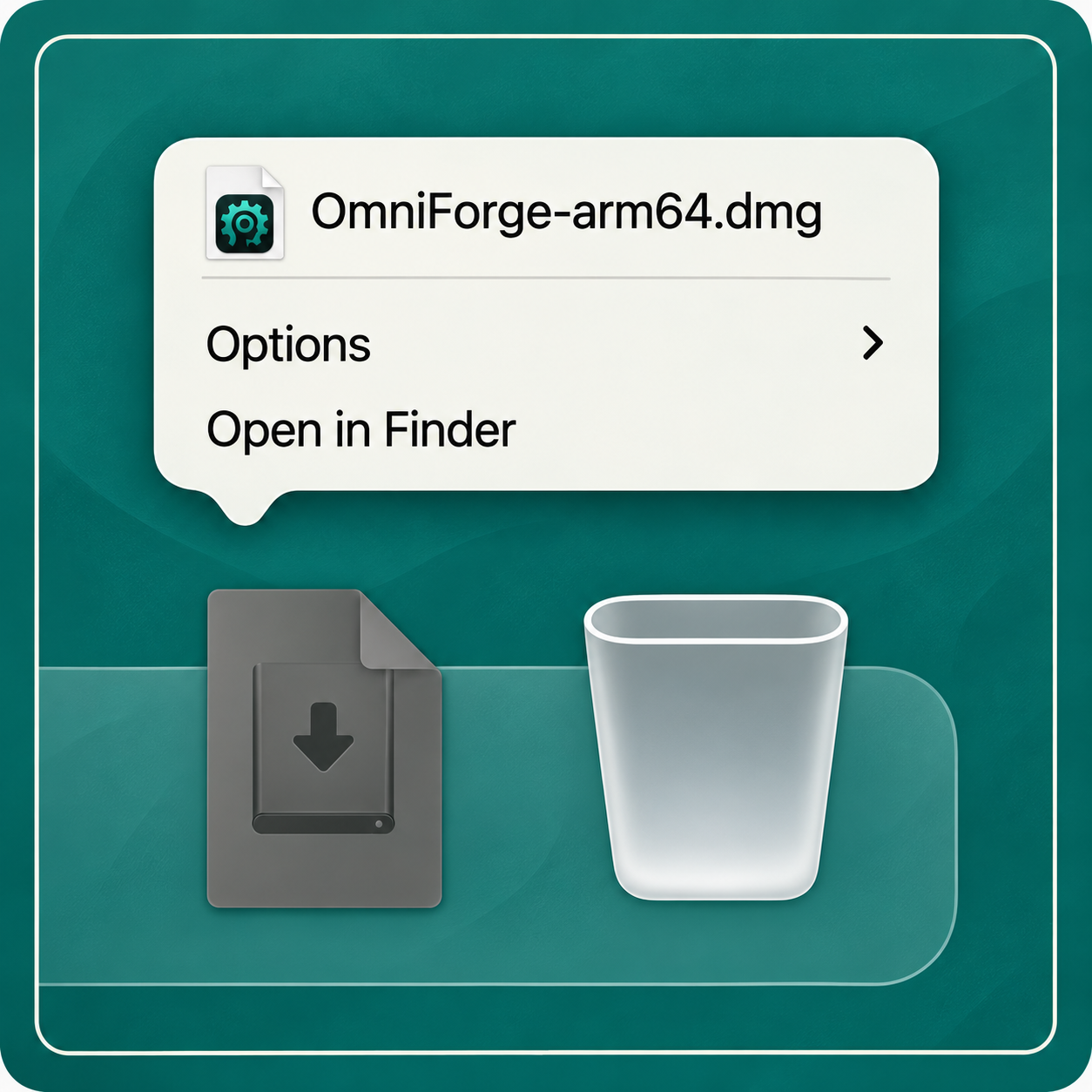
Open OmniForge.dmg from your Downloads folder
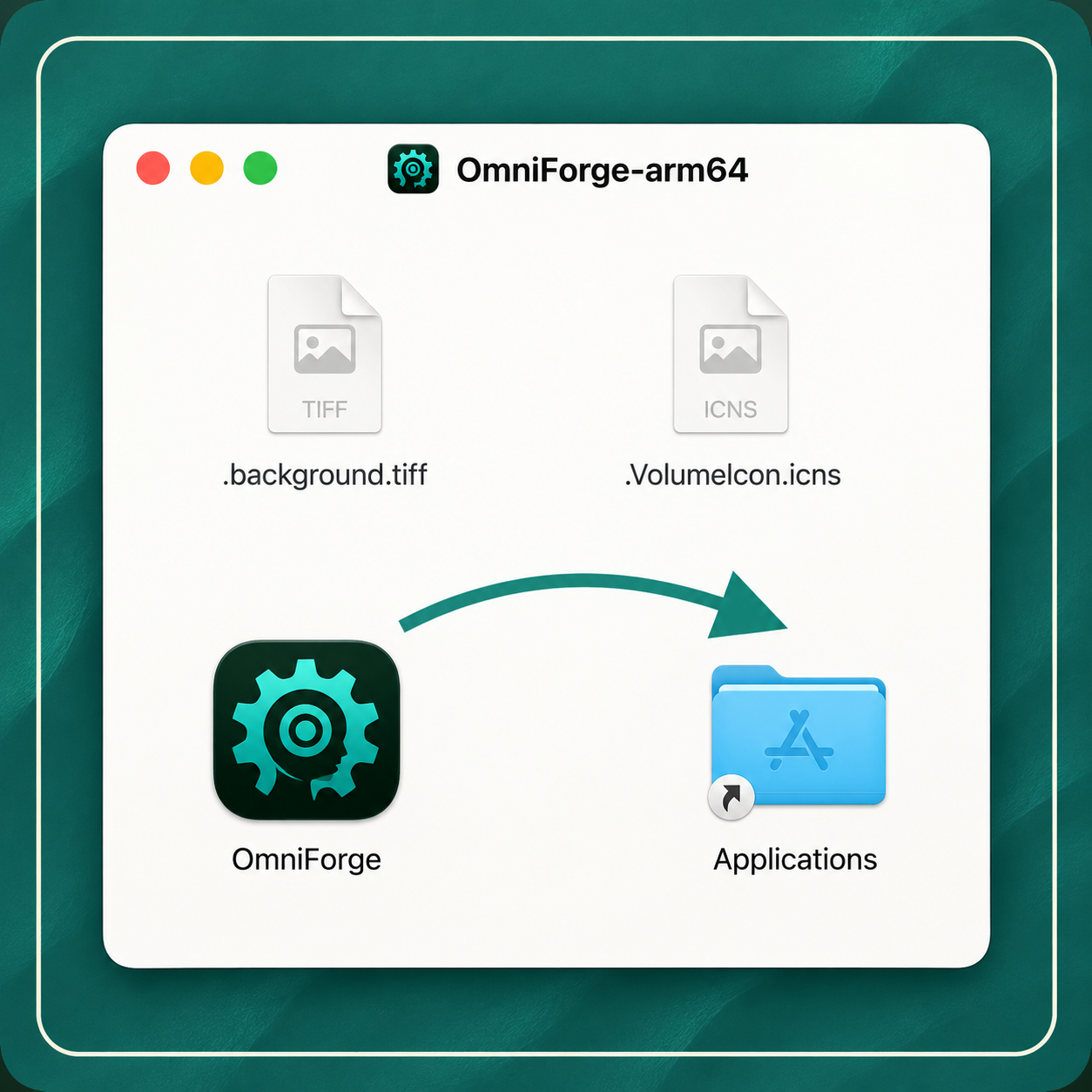
Drag the OmniForge icon into your Applications folder
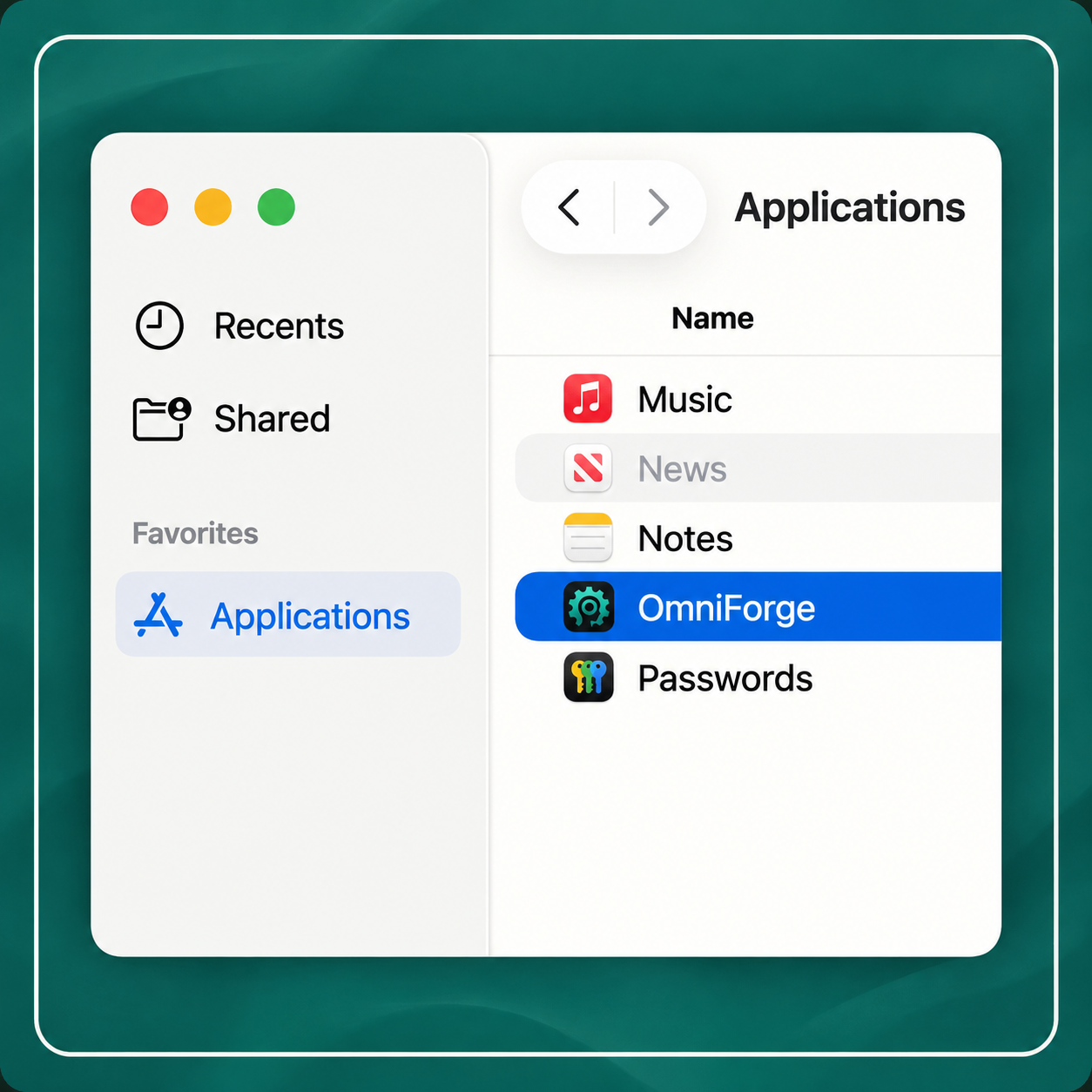
Open the OmniForge app from your Applications folder


Need help? Get in touch. We're happy to help you get set up.