Last session at a glance3 notes · 2 follow-ups
Ask across your notesKey thread
01Before
Pick up where you left off.
Review the previous session and open questions before the client arrives.

With your client's consent, save hours every week with a private AI assistant that records your sessions and turns them into structured therapy notes
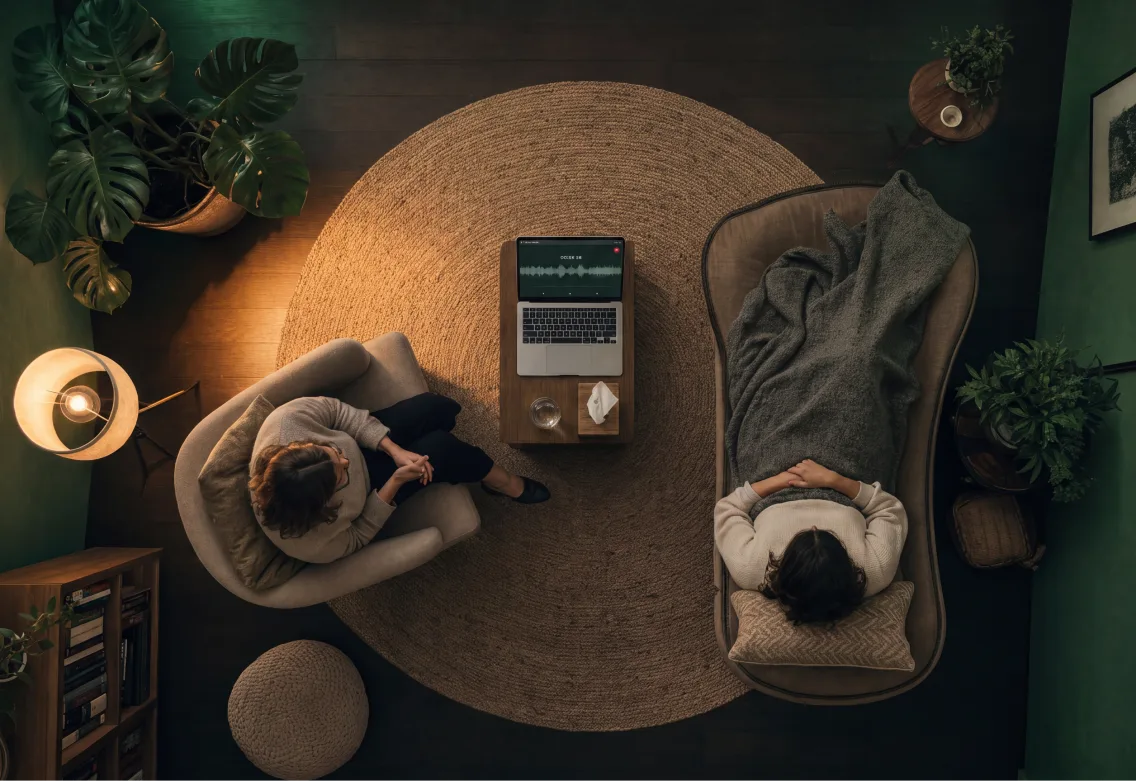
Spend less time writing and organising session notes.
We know how sensitive client information is. That's why it never leaves your computer.
Record, transcribe, and create notes without an internet connection.
Designed specifically around therapy sessions and clinical documentation.
Based on 15–20 min per client hour · Source: 2019 Quebec survey of 671 practitioners
We install and configure OmniForge around your workflow, preferred note structure, and daily routine.
We'll guide you through everything, so you can use OmniForge confidently from day one.
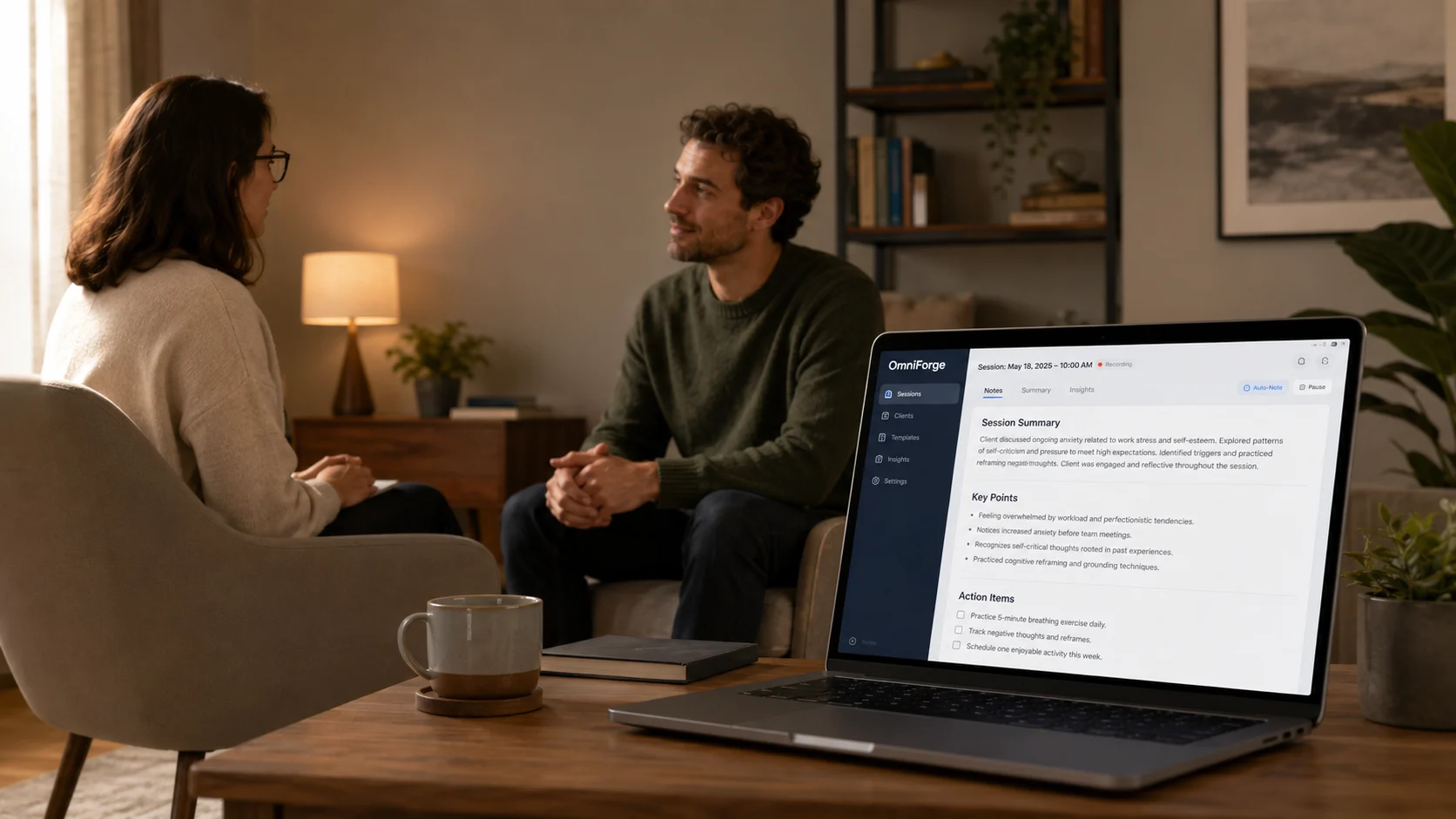
Recording, transcription and summaries run locally. Nothing is sent to an outside AI service.
The record is there when you need it, and out of the way when you do not.
Review the previous session and open questions before the client arrives.
Record sessions with your client’s consent.
Check the summary, edit what matters and save it in your own words.
We learn your workflow, configure OmniForge with you and make sure it works for your sessions before you rely on it.
We look at your devices, session format and note requirements.
We install OmniForge, shape the note structure and run a sample session.
We walk you through the daily flow and stay available when questions come up.

Whether you work alone or with a team, we can plan the setup, note formats and onboarding around the way you practise.
Tell us how you work and we’ll arrange a short, practical conversation.
OmniForge is designed to record, transcribe and summarise locally on your device. Your session content is not sent to an outside AI server for processing.
Yes. OmniForge gives you a first draft to check and edit. You correct anything inaccurate and save only what belongs in the record.
Explain that the conversation will be recorded to help draft notes, how it will be handled and how a client can say no. Your consent and privacy process depends on where you practise; we can map the workflow with you during setup.
Yes. We shape the note structure around the way you already work, so the draft gives you a useful starting point rather than another format to learn.
We agree the recording and note-handling workflow with you during setup, including when audio is deleted. Your practice remains responsible for its own retention policy.
It depends on your devices, workflow and whether you are setting up alone or with a team. We agree the rollout and timeline with you before we begin.