
Download started
You're almost there!
Your download will begin automatically. If it didn't start, download OmniForge manually.
1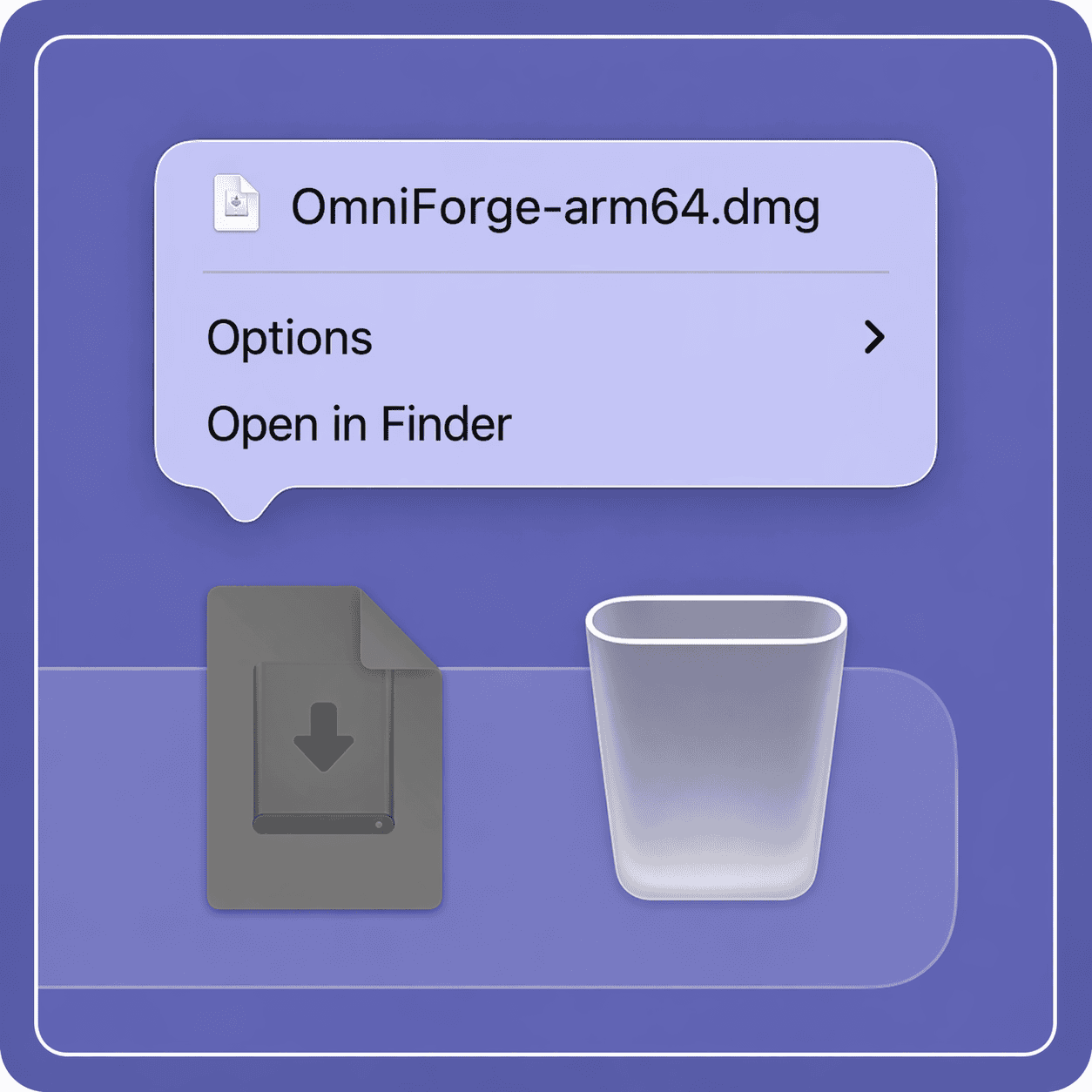

Open OmniForge.dmg from your Downloads folder
2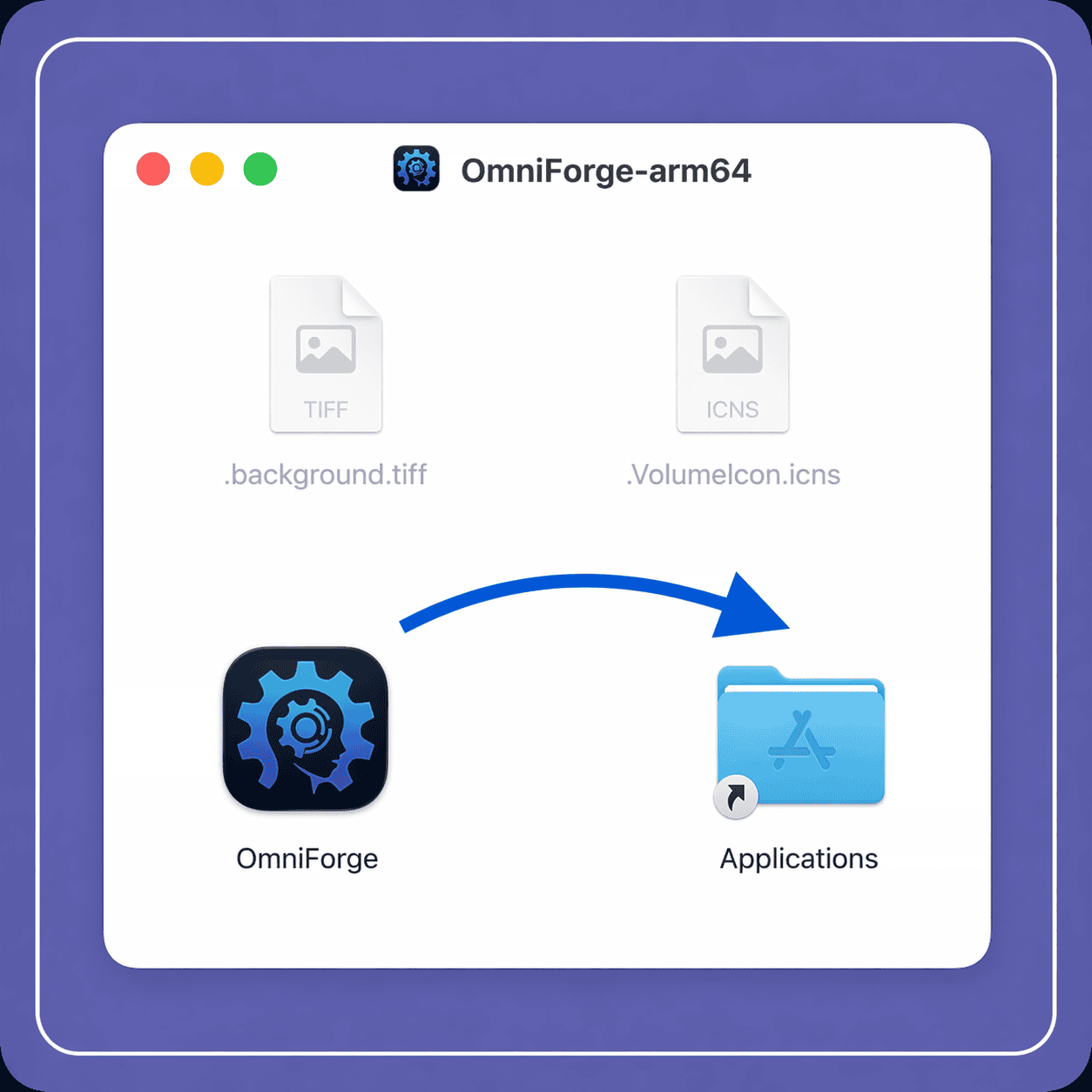

Drag the OmniForge icon into your Applications folder
3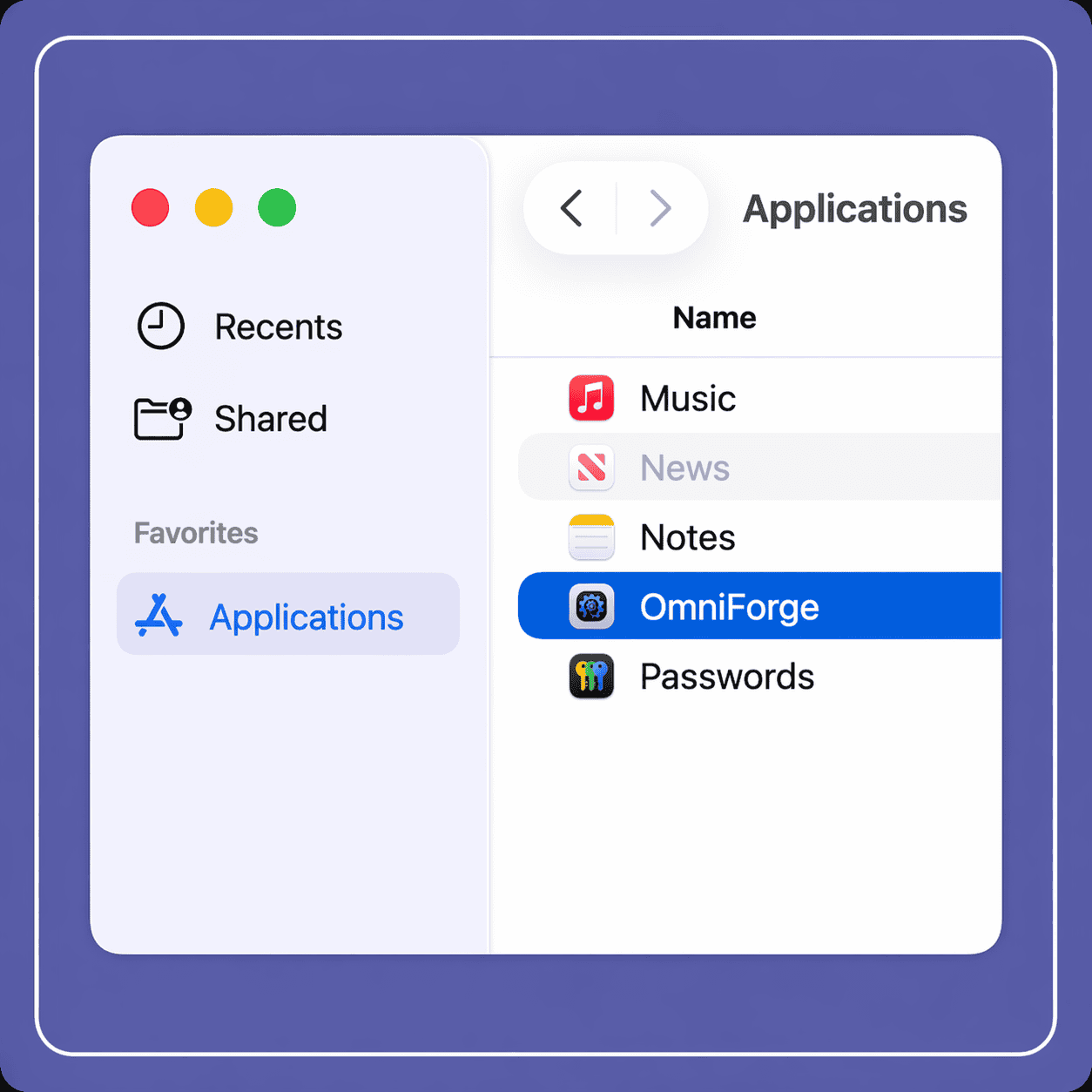

Open the OmniForge app from your Applications folder
Need help? Get in touch . We're happy to help you get set up.