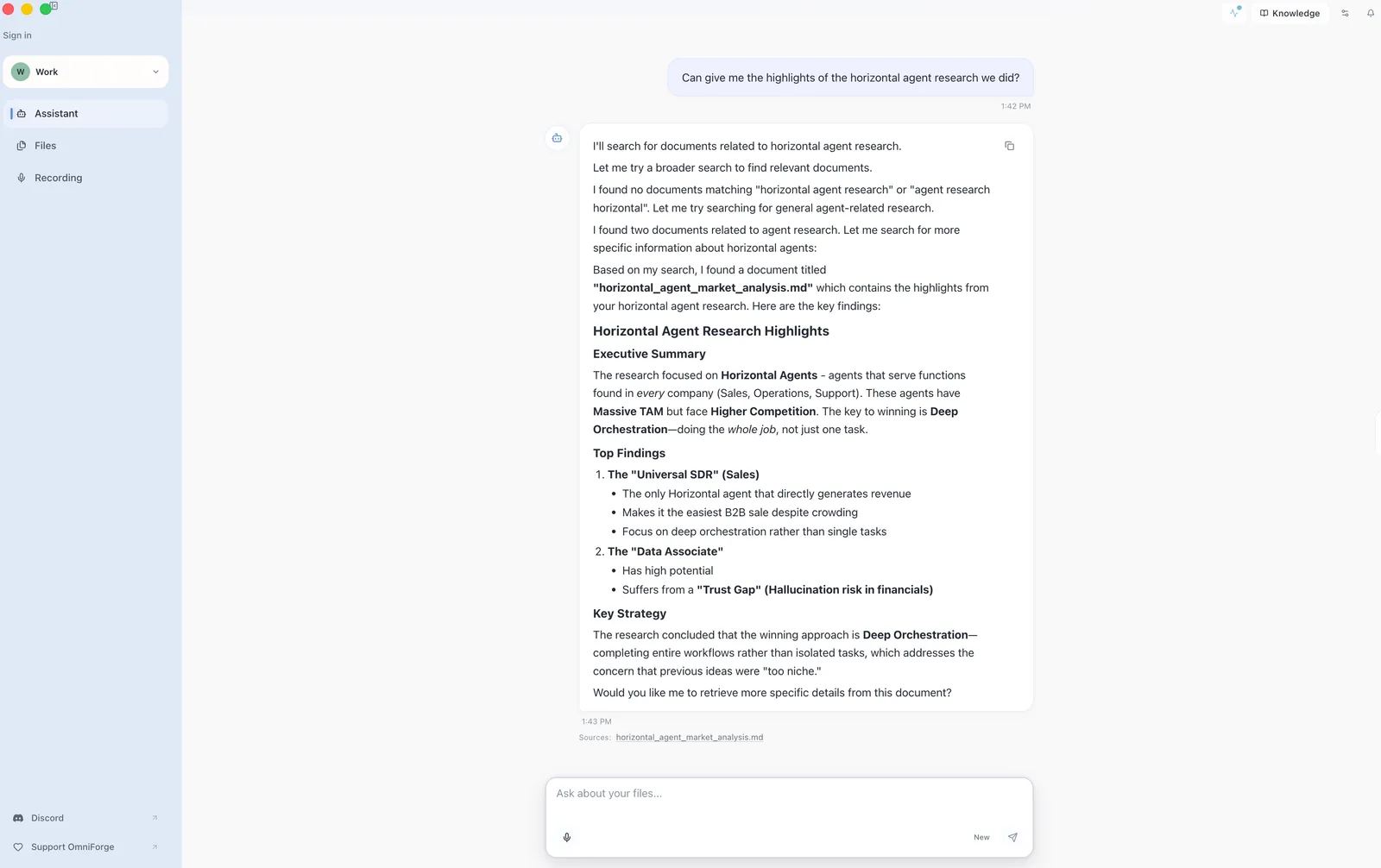
OmniForge can search across different source types in the same workspace. That means a single answer can use a PDF, a meeting transcript, and a note when all three are indexed.
Prepare the workspace
- Add the documents you want to use.
- Add or record the relevant transcripts.
- Wait until all sources are indexed.
- Ask a question that names the decision, date, topic, or person.
Example:
Compare the project timeline in the proposal with the decisions from the latest meeting.
Use follow-up questions
After the first answer, ask follow-ups:
- "Which source says that?"
- "What changed between the document and the recording?"
- "List the open questions."
- "Turn this into a short action list."
Check mixed-source answers
When an answer combines sources, open the citations. Mixed-source answers are powerful, but they also deserve careful review.