
Support logs help diagnose local problems such as startup failures, indexing errors, or recording issues.
Export logs
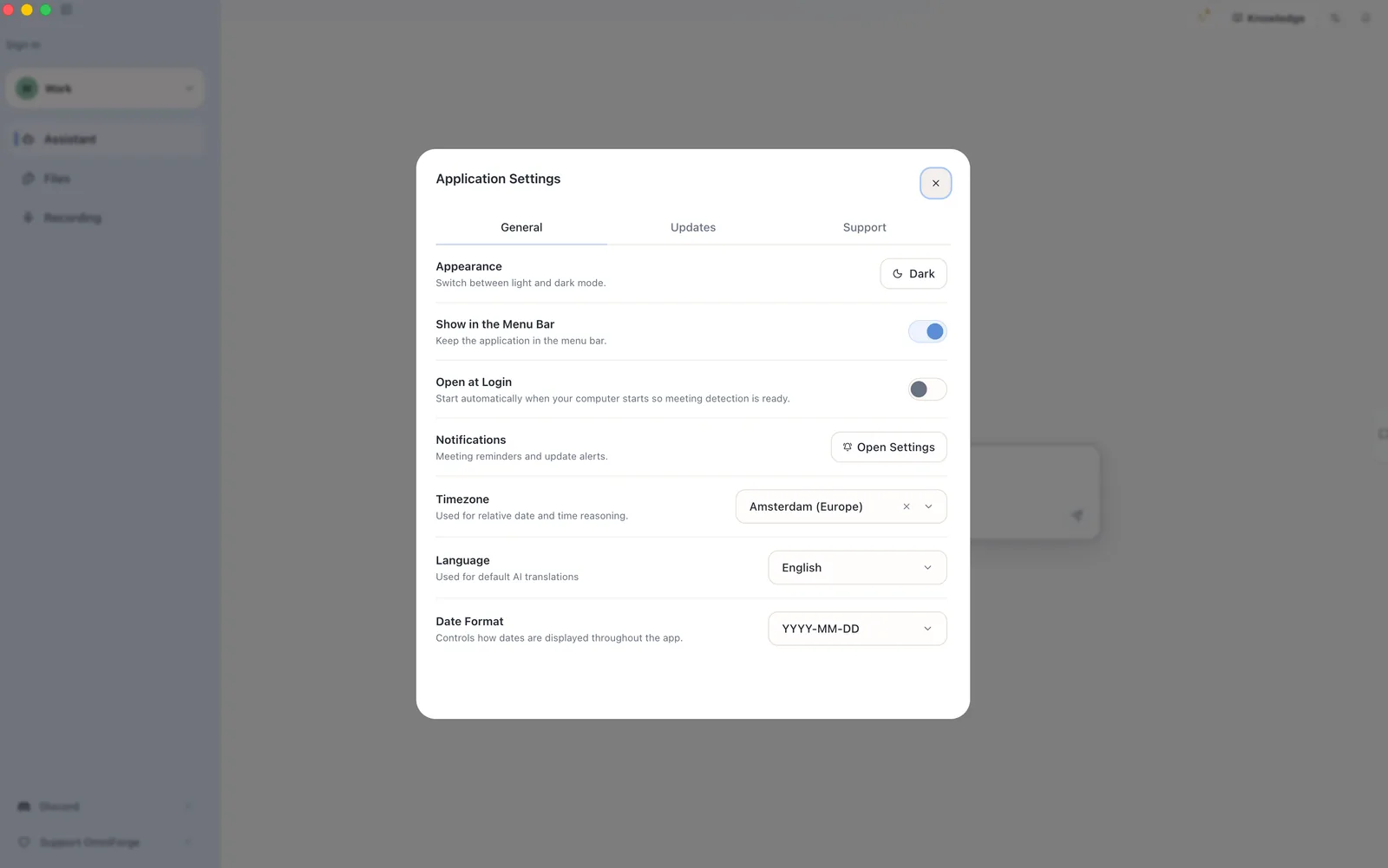
- Open Application Settings.
- Find the Support section.
- Choose Export Support Logs.
- Wait for the export to finish.
- Reveal the exported file in your folder.
Share the exported bundle only with people you trust.
Before sharing
Logs are diagnostic files. They may contain technical details about your app state, local paths, or errors. Review the bundle if your work is highly sensitive.
Do not paste private document content into support messages unless support specifically asks and you are comfortable sharing it.