
The Assistant works best when your question is specific. Ask about the files you added, then check the cited sources.
Ask a focused question
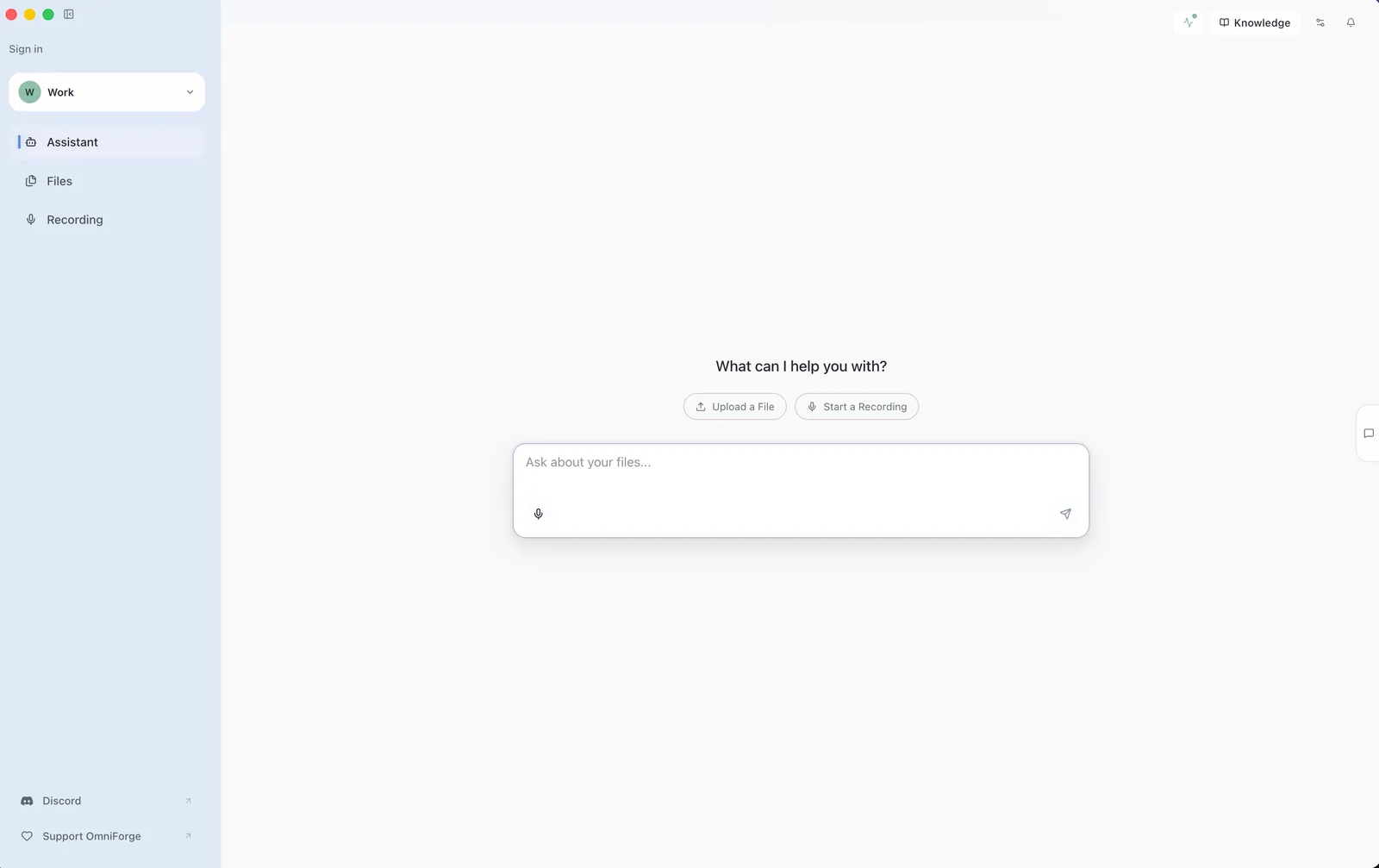
- Open Assistant.
- Make sure the correct workspace is selected.
- Type a question about your files.
- Send the question.
- Read the answer and open any cited source that matters.
Good first question:
What topics are covered across these files? List the main subjects.
Better follow-up question:
Which file mentions [specific term from your file], and what does it say about it?
Read citations
When OmniForge includes sources, use them. Citations help you check whether the answer is supported by your files.
If an answer has no useful source, ask a narrower question or add more relevant files to the workspace.
Improve results
- Use plain language.
- Ask one question at a time.
- Name the document or topic when you know it.
- Ask for evidence when accuracy matters.
- Split broad requests into smaller follow-ups.