
Application Settings controls how OmniForge looks and how it interprets language and dates.
Open settings
- Select the settings button in the top navigation.
- Review the available sections.
- Change the settings you need.
- Apply the changes.
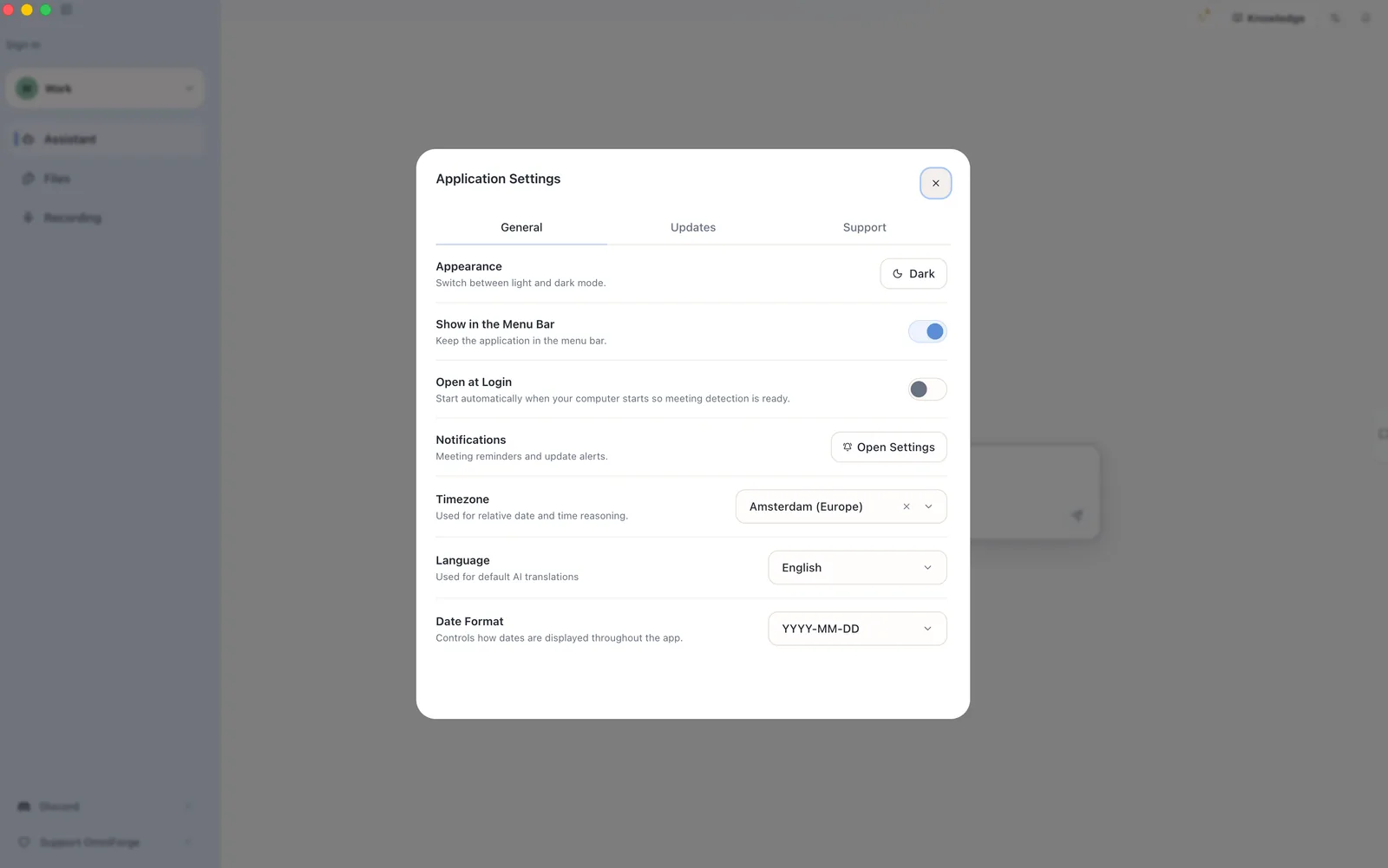
Appearance
Use appearance to switch between light and dark mode. Choose the mode that is easiest to read in your working environment.
Language
Language is used for default AI translation behavior. It does not translate every part of the app interface.
Timezone and date format
Timezone and date format help OmniForge display dates consistently and reason about relative dates in your local context.