
Citations show where an answer came from. They are the fastest way to decide whether you can trust a response.
Open a citation
- Ask a question in the Assistant.
- Find the cited source in the answer.
- Open the source link.
- Compare the answer with the original evidence.
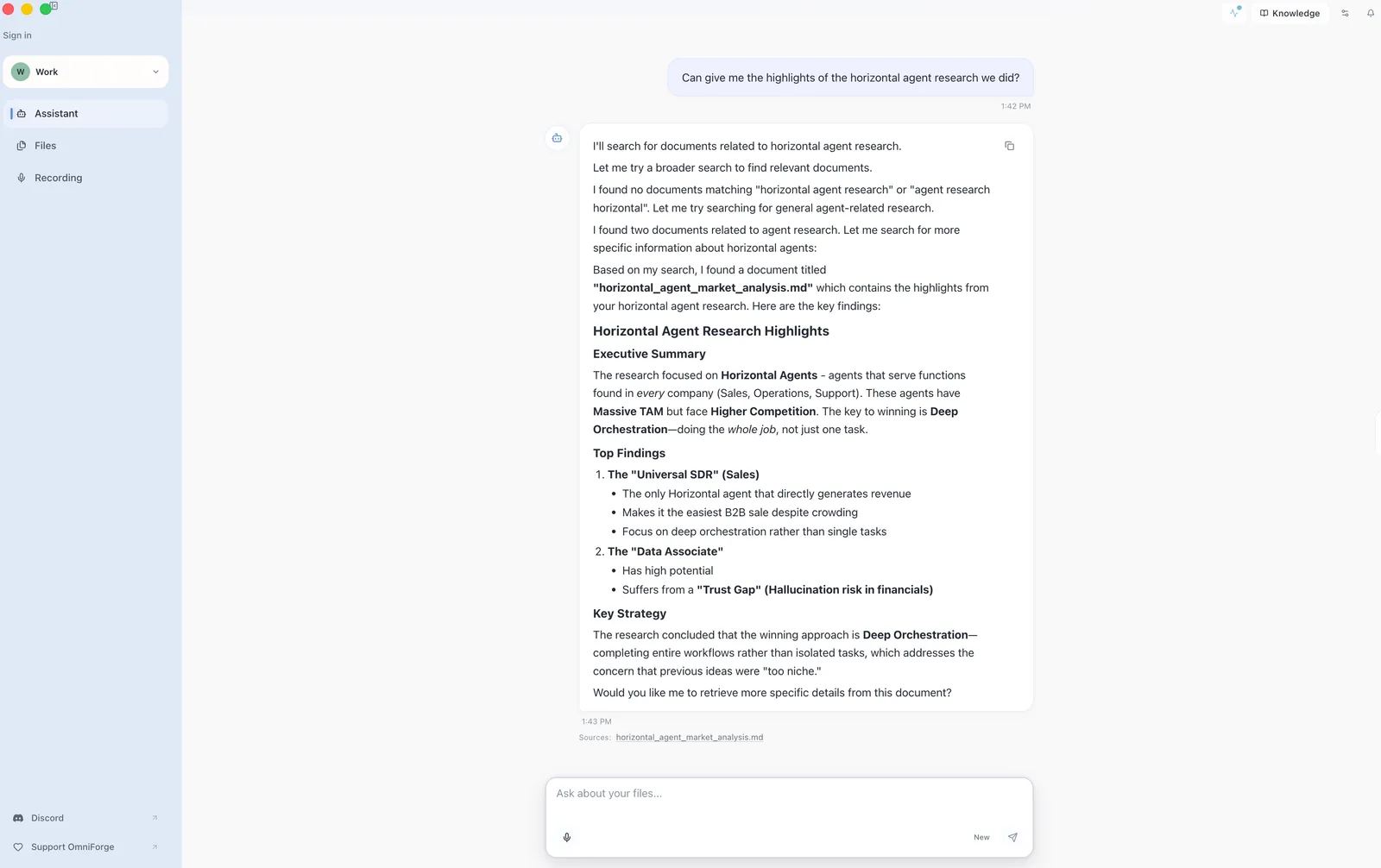
If the answer matters, always check the source.
What citations can show
A citation may point to a document, transcript, or other indexed source. The available detail depends on the source type and how the file was processed.
When citations are weak
If citations are missing or not useful:
- Ask a narrower question.
- Mention the file or topic by name.
- Confirm the source is indexed.
- Add the missing source to the workspace.
Do not treat an uncited answer as final for sensitive work.