
A transcript is not useful to the Assistant until it is indexed into the workspace knowledge base.
Add a transcript
- Open Transcription.
- Select a completed session.
- Review the title and transcript.
- Choose Teach AI.
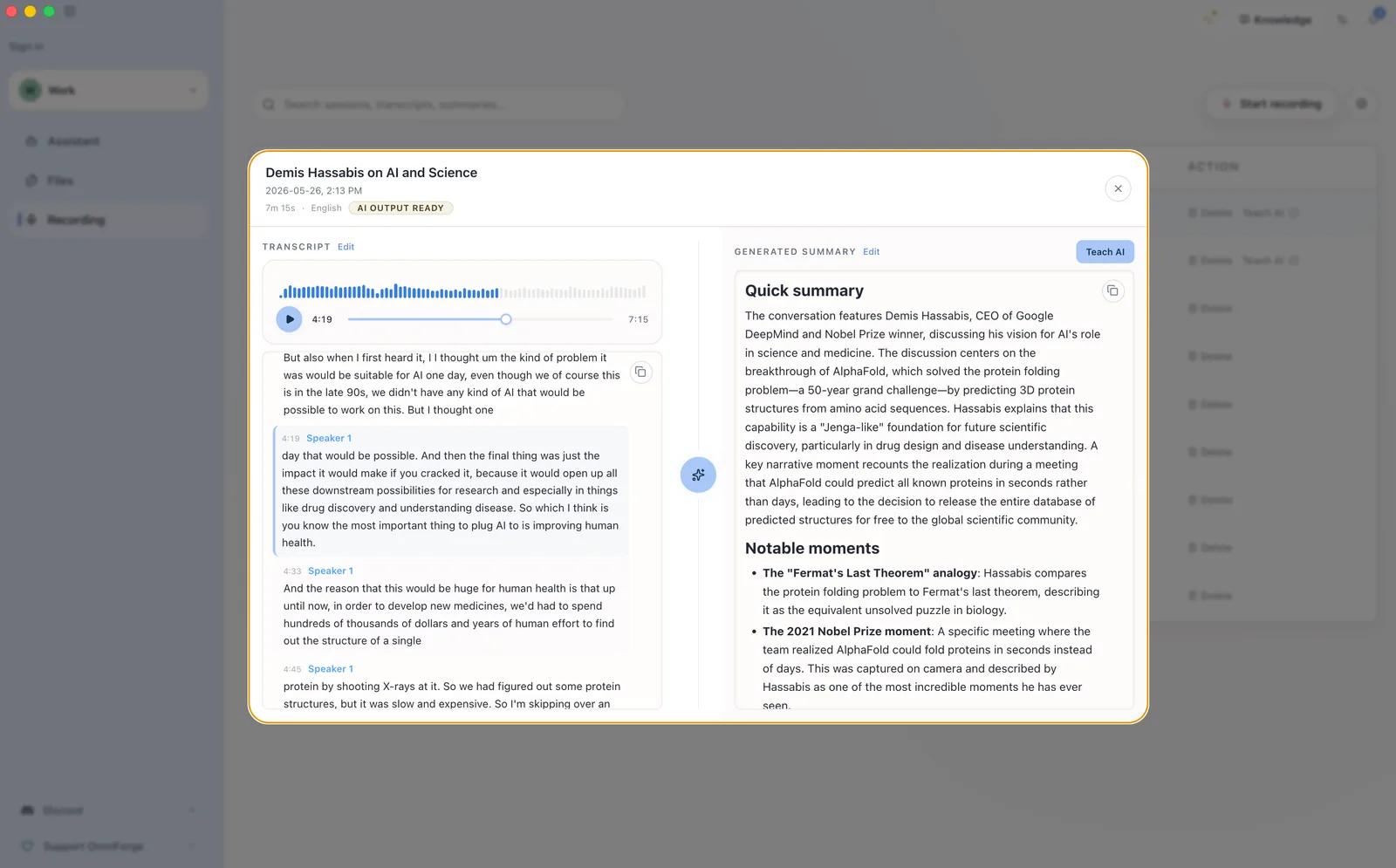
The summary is indexed immediately and appears with other knowledge sources.
Ask about the recording
Try:
What were the main decisions from yesterday’s meeting?
Or:
Who is responsible for the follow-up tasks we discussed?
Keep workspace context in mind
Recordings belong to a specific workspace. If a session is in the wrong workspace, select it and use the Move action to transfer it to the correct workspace before teaching the AI.